 PuttBay
One connection. Full shots and putts.
The problem PuttBay solves
GSPro takes shots from one connection at a time, its Open Connect. Your launch monitor's connector normally takes that one connection. So there's no room for a second app that reads putts, and that's why most bays either let GSPro putt for them or switch apps mid-round.
How PuttBay fits in
PuttBay takes GSPro's connection and becomes the middle of your bay:
- Full shots come from your launch monitor, through its connector, into PuttBay and straight on to GSPro, untouched.
- Putts come from the camera. When GSPro has your putter selected, PuttBay reads the putt and sends it.
- GSPro's club changes go back to your launch monitor's connector, just as if it were talking to GSPro directly.
To GSPro it's all one player hitting one ball. To you it's one round with nothing to switch.
One press to play
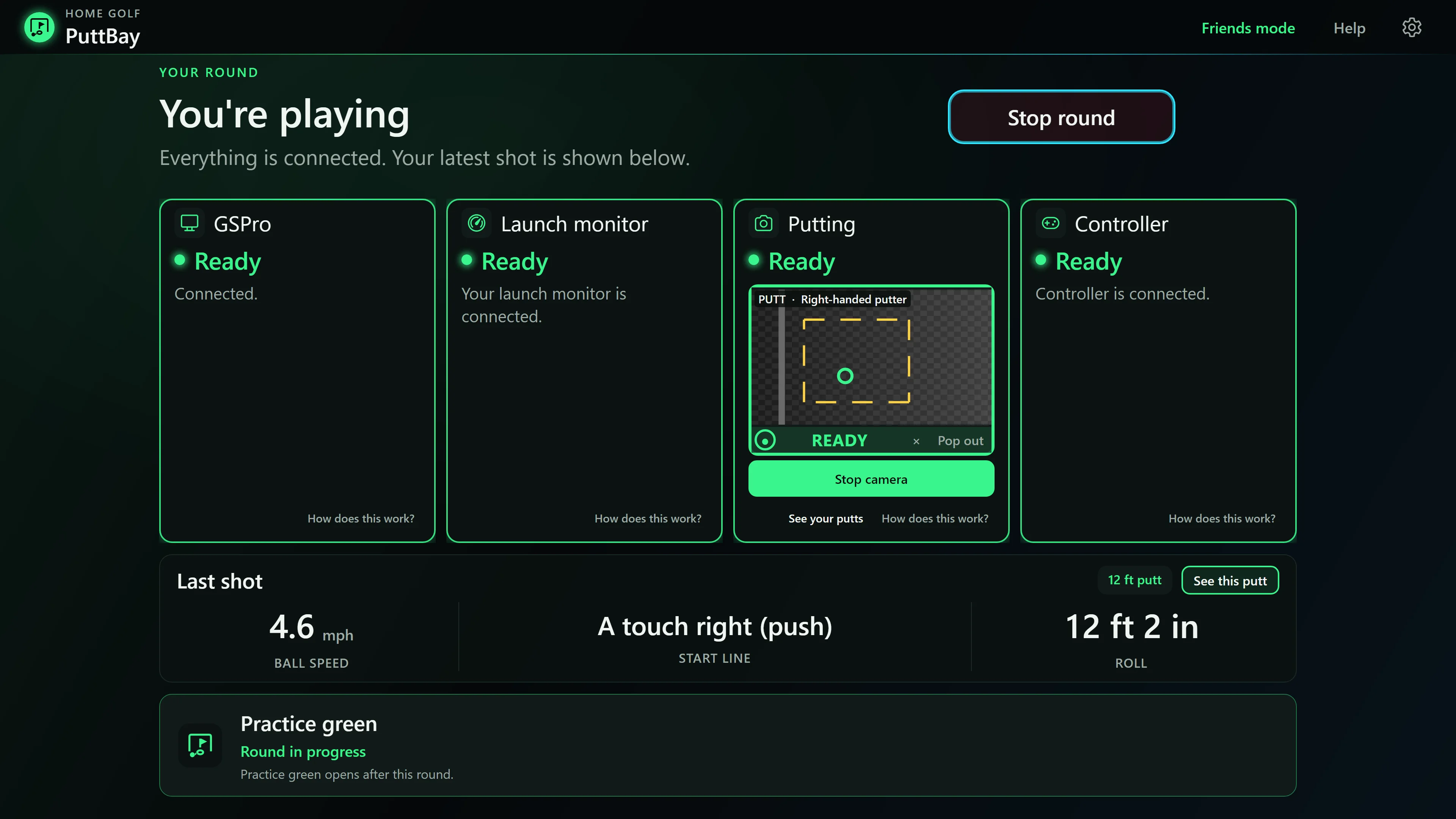
Press Start GSPro and PuttBay:
- Opens GSPro and gets past its start screen.
- Starts your launch monitor's connector (minimized) and connects it through PuttBay.
- Starts the putting camera and puts the ball view where you left it.
- Tells you, card by card, that everything is Ready.
If anything drops mid-round, the card that needs you says what happened in plain words, with one button: Reconnect launch monitor. No digging through settings.
Which GSPro license you need
- Open API (Open Connect) license: this is the one PuttBay works with. Full shots from your launch monitor and putts from your camera, together, in every round.
- A launch-monitor maker's own GSPro license (for example the official Rapsodo or FlightScope routes): GSPro talks to the device itself and handles putting its own way, so PuttBay can't add camera putts to those rounds. PuttBay's practice green still works with your camera.
Not sure which you have? PuttBay reads it from your GSPro install and tells you on the first screen.
Your launch monitor
- Rapsodo MLM2PRO: through springbok, a free community connector you install yourself. PuttBay finds it, points it at PuttBay, starts it minimized and reconnects it with one press. Rapsodo's membership and app approval still apply. PuttBay never gets around them, and it warns you before your approval runs out mid-round.
- Garmin R10: in beta with hand-picked testers.
- FlightScope Mevo+ and Mevo Gen2: GSPro's FlightScope route, or the Open API route through the free flighthook connector, which PuttBay supervises. In beta. Mevo+ putting
What PuttBay never does
- It never alters your launch monitor's numbers. Full shots pass straight through.
- It never reads your GSPro round data, and it never plays a shot or putt for you.
- It never bundles or downloads your connector. It changes only where the connector sends shots (and, for springbok, switches off springbok's own camera putting so the two never fight over the camera). "Put it back as it was" is one press.
- It never sends a putt it couldn't see clearly. It asks you to PUTT AGAIN instead.
PuttBay is an independent product and is not affiliated with GSPro, Rapsodo, Garmin, FlightScope or Square. GSPro is a trademark of its owner; names are used only to describe compatibility.