 PuttBay
Webcam putting that plays your real stroke.
Your launch monitor handles the full shots. On the green, PuttBay takes over: a camera hanging over your mat watches the ball leave your putter and tells GSPro exactly how hard you hit it and where it started.
What it reads
- Ball speed, the thing that decides whether you leave it short or run it by.
- Start line: where the ball actually started, so a push is a push and a pull is a pull.
That's what GSPro needs to play a putt. PuttBay sends it over GSPro's Open Connect the moment the ball is on its way, and GSPro rolls it on the course's green, with the course's slope and speed.
Setup in about five minutes
No printed markers. No orange ball. No color sliders to tune every time the light changes.
- Hang the camera straight down, 6-8 feet above the mat, with the long side of the picture along your putt. Plug it straight into the PC.
- Pick its picture in PuttBay. Setup measures how many frames a second your camera really delivers, not what the box says.
- Tap your ball in the picture. The gold start spot lands on it. Then point the arrow at your screen.
- Measure the ball. A normal white golf ball. PuttBay checks it looks big and clear enough, and tells you how to move the camera if it doesn't.
- Roll a few short putts: one gently to the side, so PuttBay learns left from right, then two toward the screen. PuttBay reads them the same way it reads play, then shows you everything it worked out: the camera height, the area it sees and the longest putt this setup can read. Name it, save it, done.
Made for real putting routines
Stand over it as long as you like. Waggle, look at the hole, reset your feet. PuttBay keeps your ball ready until it actually rolls, not until a timer runs out.
Only when you're putting. PuttBay sends a putt only when GSPro has your putter in hand. A roll while GSPro still has your wedge out never lands in your round.
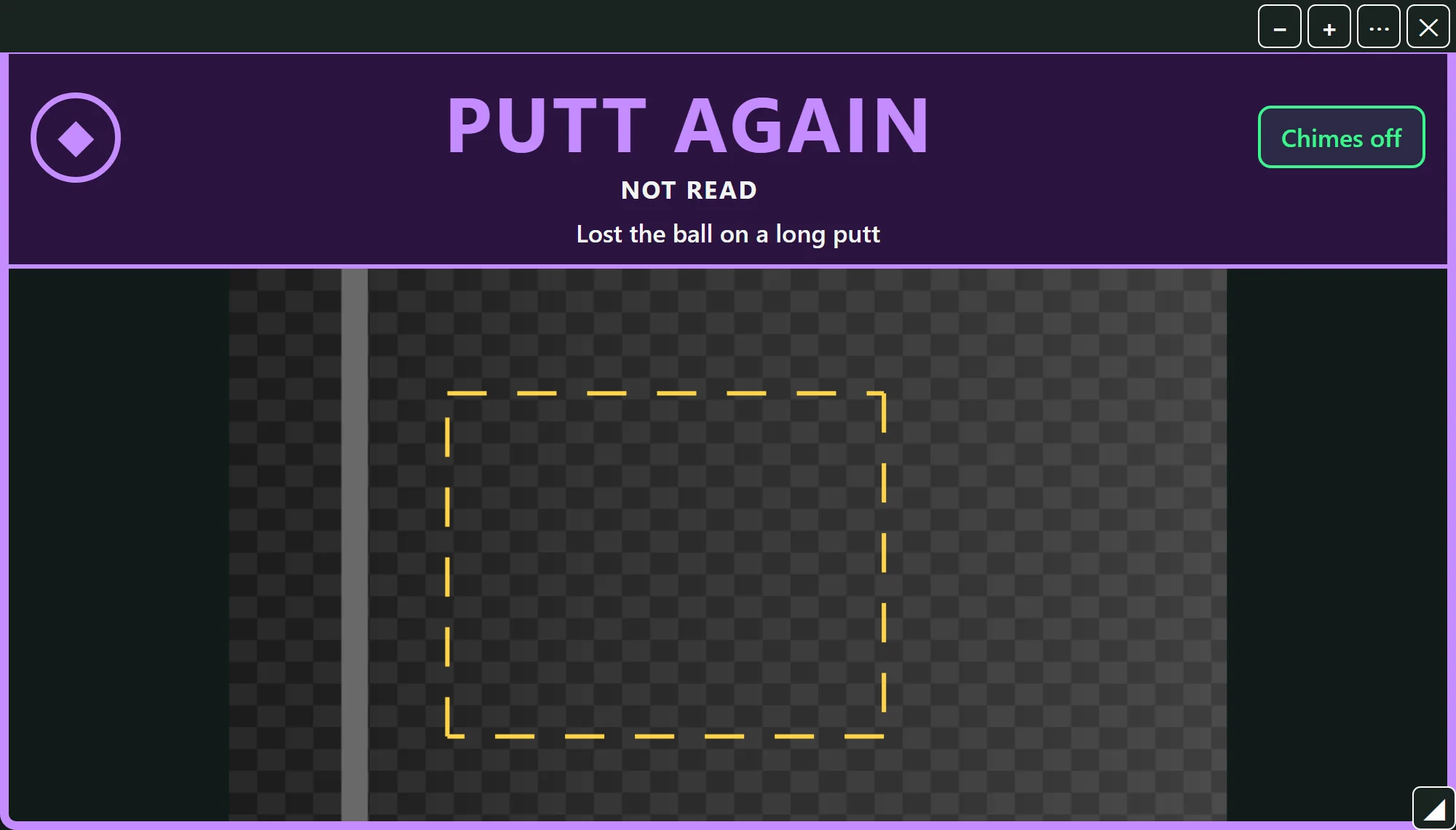
It tells you when it didn't see it. If a putt can't be read cleanly, say a shadow swallowed the ball or the roll left the picture too soon, the ball view shows PUTT AGAIN in big letters with the reason. You re-putt from the same spot. It never sends GSPro a number it doesn't trust.
Both hands, mixed groups. Lefty or righty, PuttBay reads the stroke. In Friends mode it follows whoever is up.
The ball view: see it from the mat
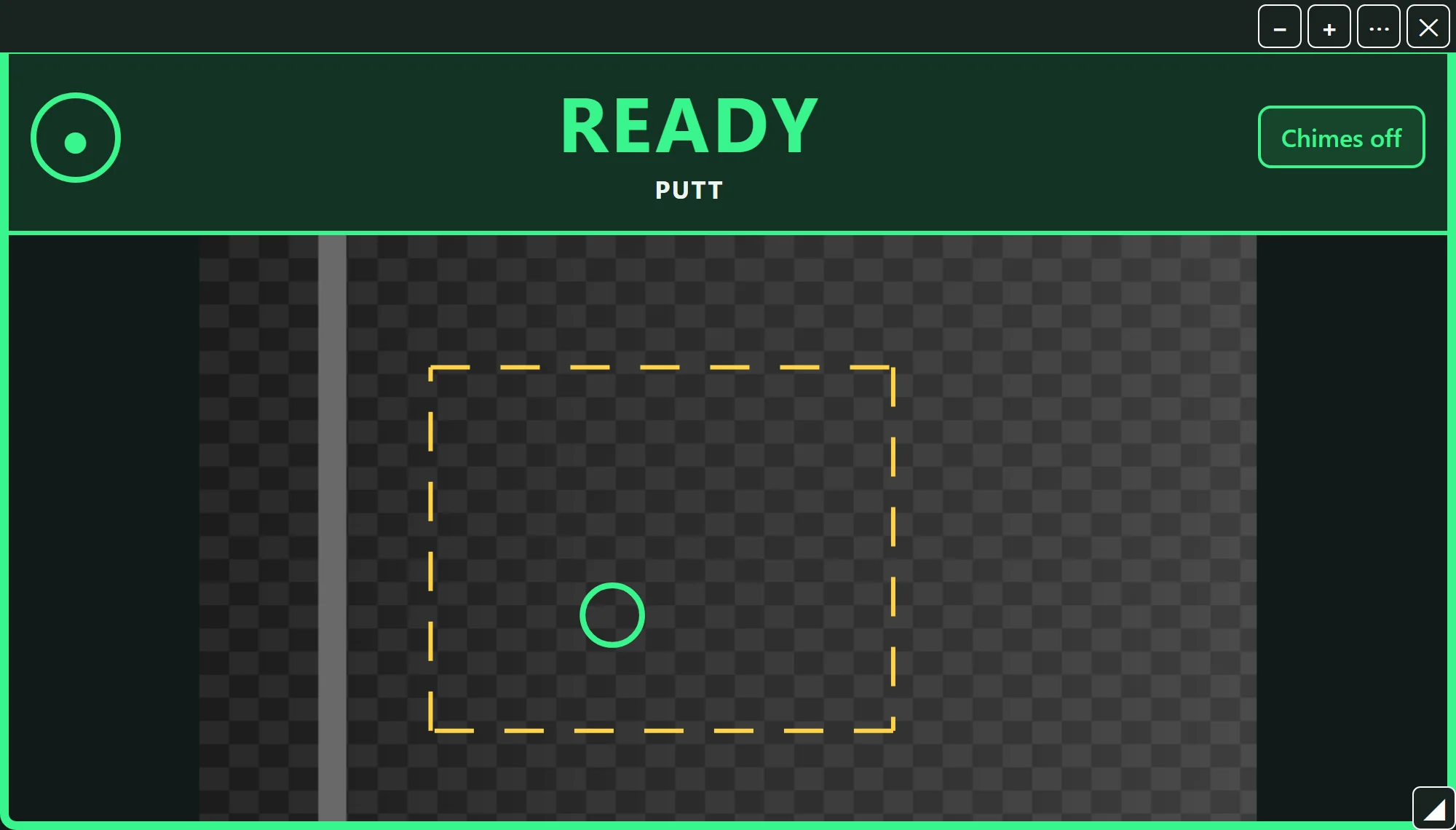
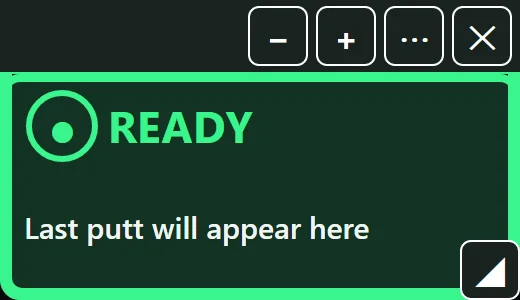
A pop-out window of the camera with a big Ready light you can read from across the bay.
- Ready when your ball is armed, and PUTT AGAIN when a putt needs a redo.
- Paused - PC busy if the computer falls behind, so you never trust a stale green light.
- On full shots it shows your launch monitor's status instead.
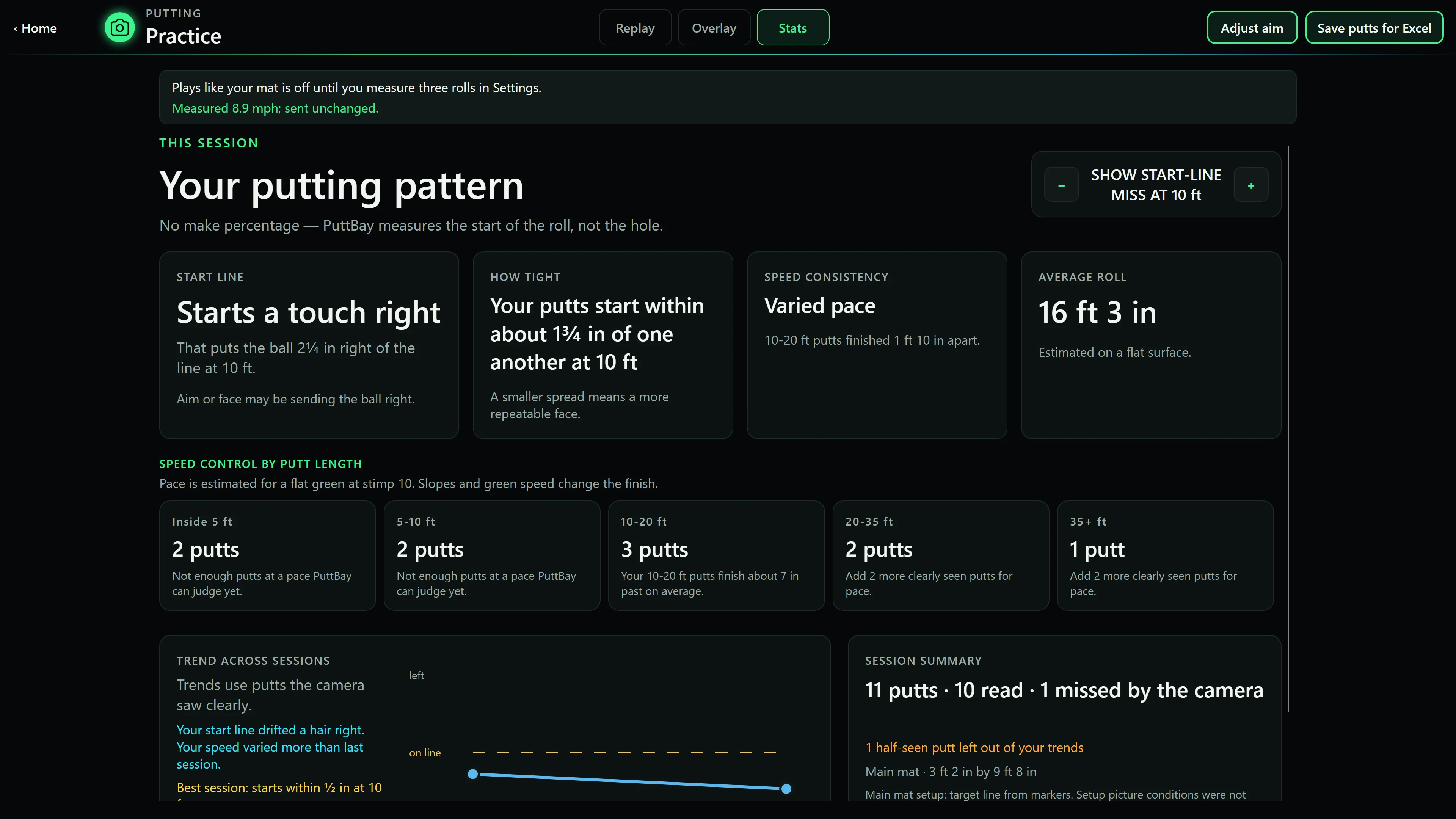
- Each putt's speed, start line and roll.
- Put it on a second screen, drag it over GSPro, or shrink it to a small tile.
Make GSPro feel like your mat
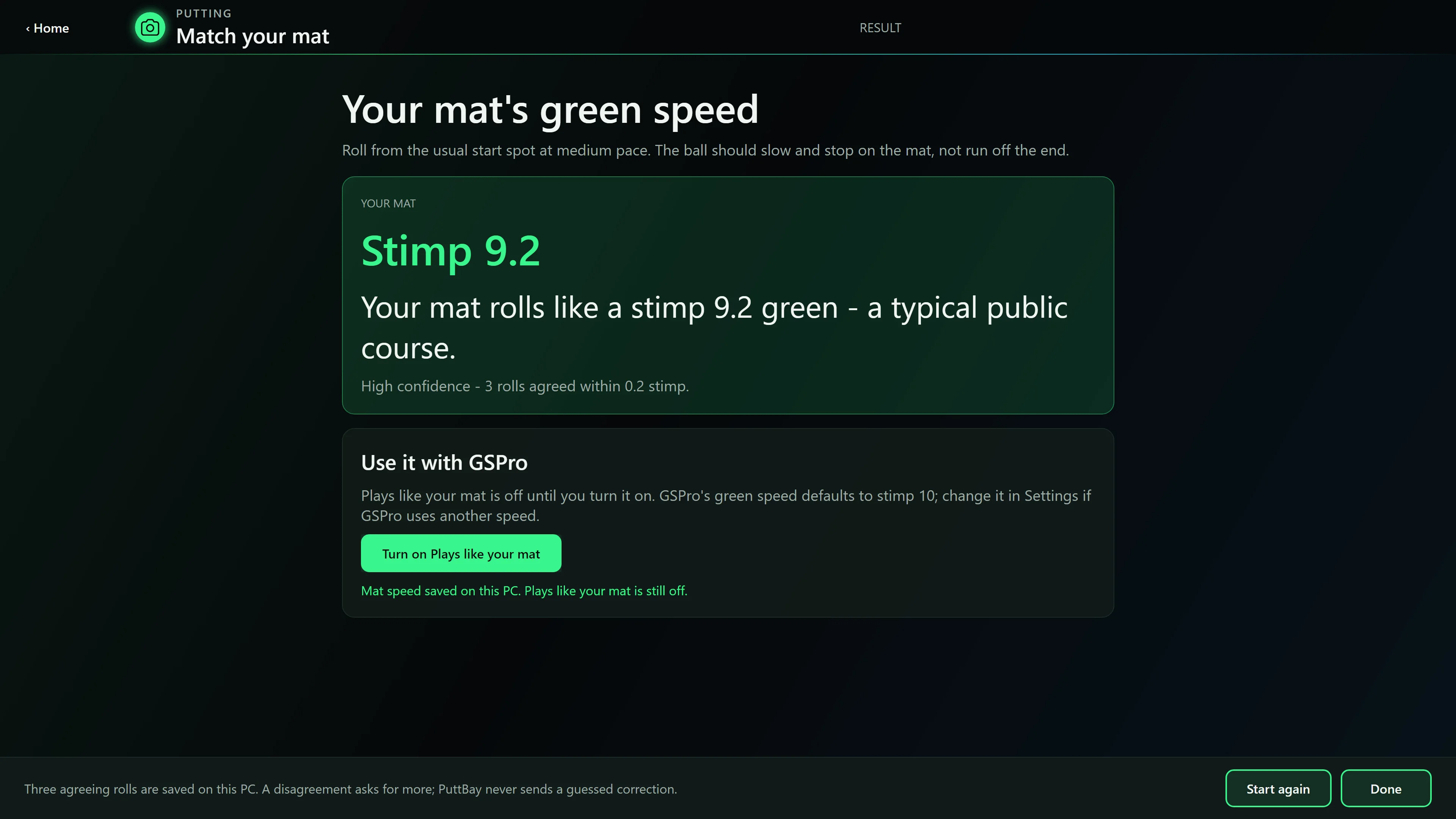
Every mat rolls differently. Match your mat measures how fast yours is from a few ordinary putts and can make GSPro roll your putts like your real mat does. Or keep GSPro's own speed. It's your choice.
Check my accuracy lets you compare PuttBay's reading with a tape measure, putt by putt. You don't have to take our word for it.
Every putt, kept
- Putt history with speed, start line and length for every putt.
- Replays of each putt straight from the camera.
- Trends across sessions, so you can see whether that push is getting better.
- Feet and mph, or meters and km/h.
Coming soon: Your stroke. Tempo and backstroke length from the same camera, no extra sensors.
What you need
- A Windows 10 or 11 PC that runs GSPro comfortably.
- A camera that really delivers 60 frames a second or more. The Arducam OV9281 is proven, and other genuine 60 fps webcams are being tested. Choosing a camera
- A mount to hold it straight down over your mat, 6-8 feet up.
- Light. A lamp over the mat makes the biggest difference, especially in the evening.
- For putts in GSPro rounds: GSPro with an Open API (Open Connect) license. Which license do I need?
No launch monitor or no GSPro? The practice green works with just the camera. See the practice green
PuttBay is an independent product and is not affiliated with GSPro, Rapsodo, Garmin, FlightScope or Square.