 PuttBay
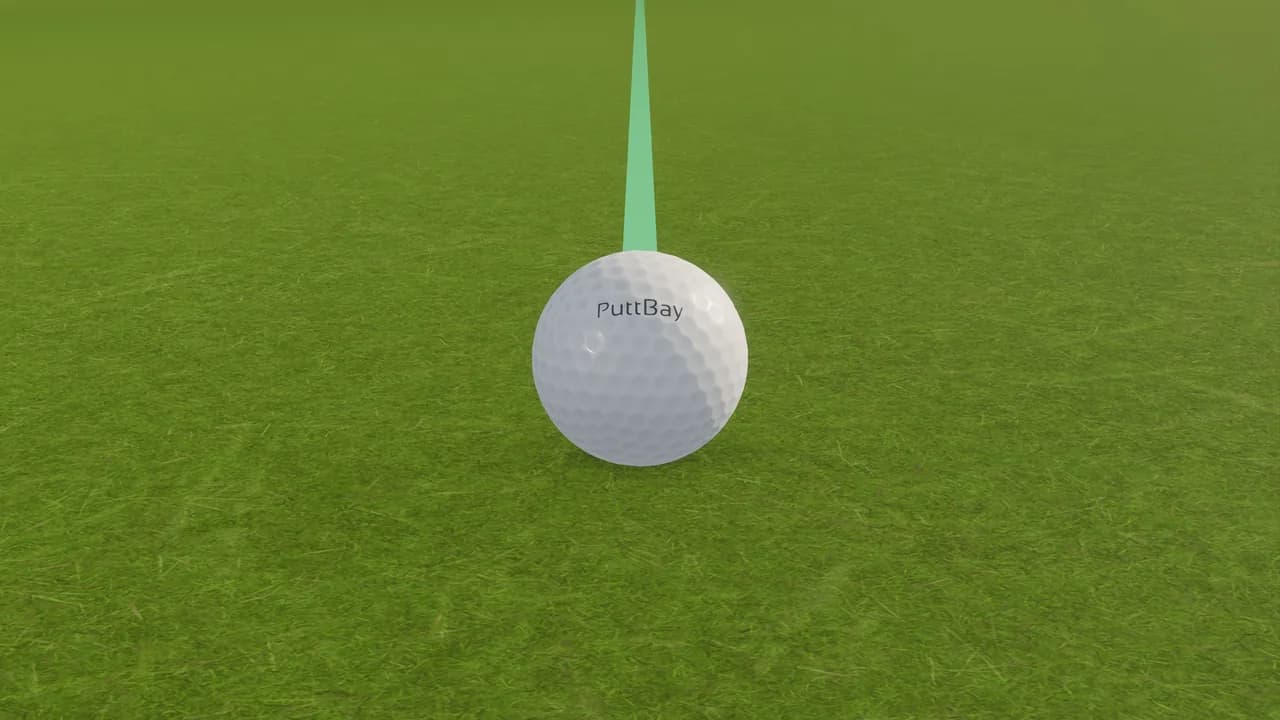
Your real putts, in GSPro.
PuttBay puts a camera over your mat and your putting stroke into the game. Hit your full shots with your launch monitor, then walk up, stand over a real ball and roll it. The putt you make is the putt GSPro plays.
The beta is open. Apply to join.
Free during the beta · Windows 10 and 11 · Works with your GSPro license and your launch monitor
Stop guessing on the greens
Many popular launch monitors don't read putts. So the green becomes the part of the round you don't really play: you type in a distance, you let the game putt for you, or you hope an auto-putt feels about right.
PuttBay fixes the one thing your simulator was missing. A camera above your mat watches the ball leave the putter. It reads how hard you hit it and where it started, then sends that putt to GSPro. Leave it short and it's short. Push it and it's a push. Hole it and it drops.
Three steps and you're putting
- Hang a camera over your mat. Point it straight down from 6-8 feet. The Arducam OV9281 is proven, and other genuine 60 fps webcams are being tested. Which camera?
- Set it up in about five minutes. No printed markers, no orange ball, no color sliders. Choose your camera, tap your ball, point the arrow at your screen and roll a few short putts. PuttBay measures the rest and tells you plainly if anything falls short.
- Press Start GSPro. PuttBay opens GSPro, gets past its start screen and connects your launch monitor and your camera. Full shots from the launch monitor, putts from the camera, in the same round.
Built for how you actually putt
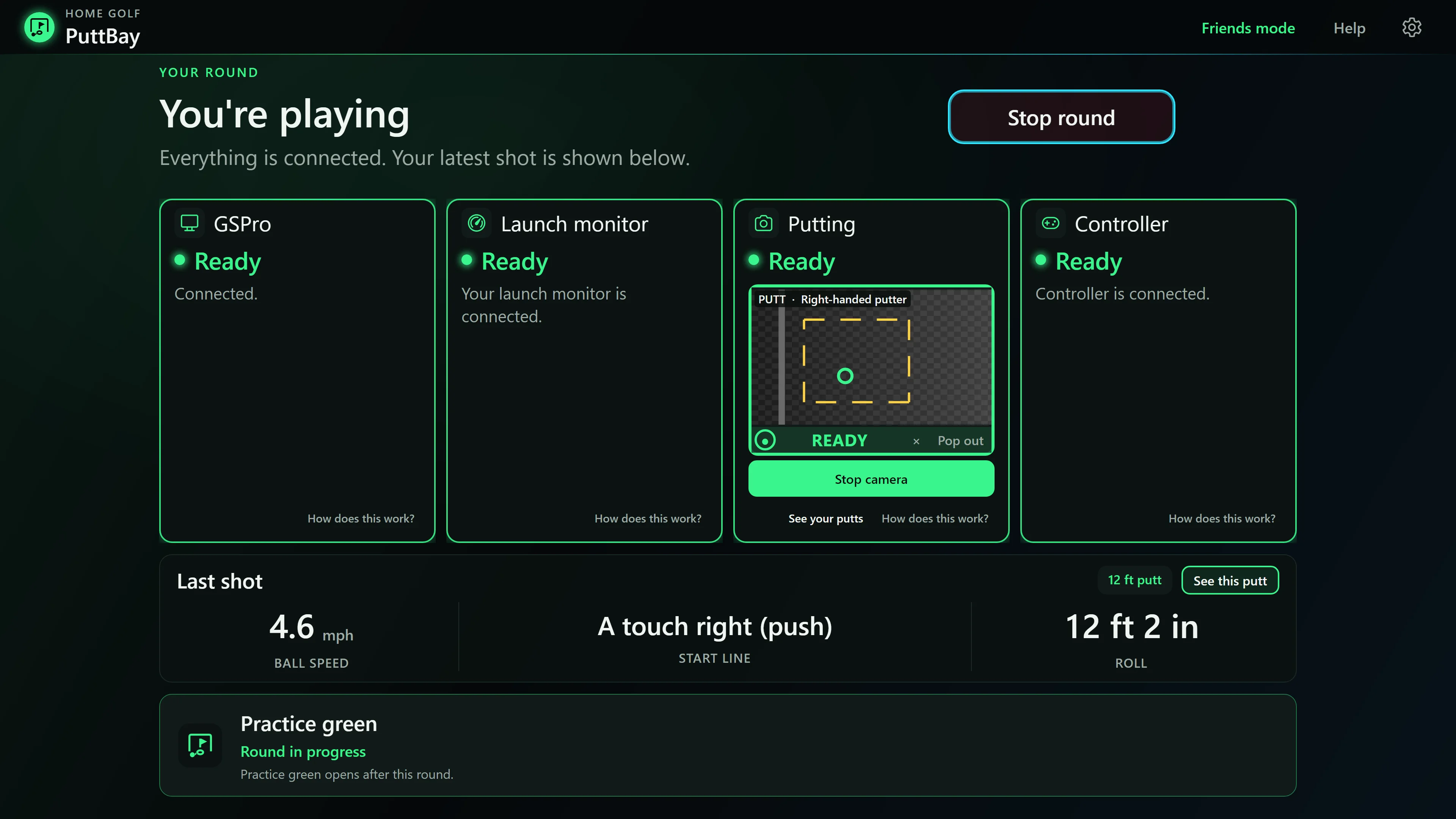
- Take your time. Stand over it as long as you like. PuttBay waits for the ball to move, not a timer.
- It tells you when it didn't see it. If a putt can't be read cleanly, the ball view says PUTT AGAIN, with the reason, instead of sending GSPro a guess.
- Only when you're putting. Putts go to GSPro only when GSPro has your putter in hand, so a practice roll while GSPro still has your wedge out never counts.
- Lefty or righty, and your friends too. It reads both hands, and Friends mode follows whoever is up.
- See it from the mat. A ball-view window shows the camera, a big Ready light and each putt's speed and start line. Put it on a second screen or shrink it to a tile over GSPro.
Your launch monitor, one connection
GSPro only listens to one connection. PuttBay sits in the middle, so your launch monitor's full shots and your camera's putts both get through, and you never juggle apps.
- Rapsodo MLM2PRO through the free springbok connector, which PuttBay starts, minimizes and reconnects for you.
- Garmin R10. In beta with hand-picked testers.
- FlightScope Mevo+ and Mevo Gen2 through the free flighthook connector, with PuttBay handling your putts. In beta. Mevo+ putting
When something drops, the main screen tells you in plain words and gives you one button: Reconnect launch monitor.
A practice green that rolls like GSPro
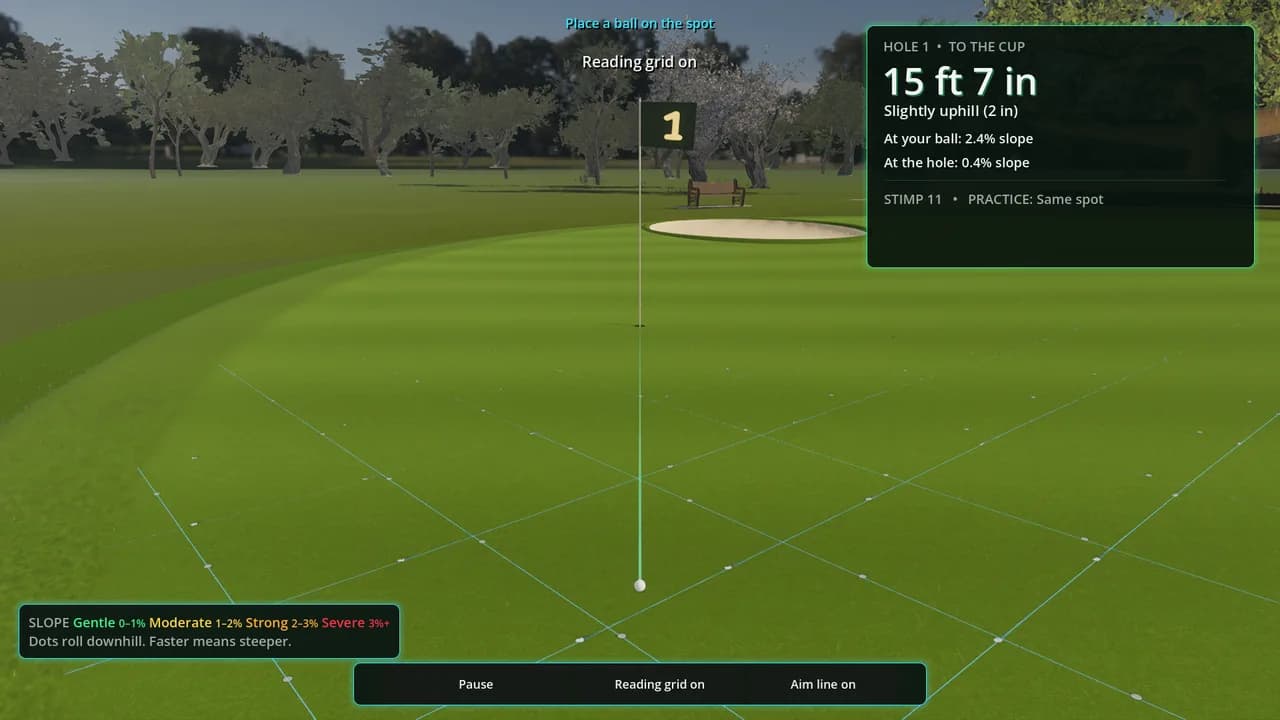
A practice green that rolls like a real green sounds good, until you take that pace into GSPro and leave every lag putt short. PuttBay's practice green rolls with GSPro's own public roll model, at stimp 6 to 13, so the speed you learn is the speed you play.
- Read it yourself. White dots roll downhill along the reading grid, faster on steeper slopes. It never tells you the break unless you ask.
- Games that make practice stick. Ladder, Leapfrog, and the PuttBay Test: 18 putts from short, middle and long, scored into your own PuttBay Rating.
- Play with friends. Local multiplayer rounds, each player's ball following them.
- Your ball, your color. A real dimpled ball with PuttBay on it, in white or neon yellow, red, green, blue or pink.
- No simulator needed. No launch monitor or GSPro? The green works with just the camera and your mat, a putting trainer you'll actually use.
Made to live in your bay
- One press to start, one press to fix. Plain words on every card, never error codes.
- Match your mat. Make GSPro roll like your real mat, or keep GSPro's own speed.
- Check my accuracy. Measure PuttBay against a tape measure yourself.
- Putt history and replays. Every putt kept, replayed from the camera, with your trends.
- Controller support. Aim, change clubs and move the camera from the mat.
- Feet or meters. Your choice.
Coming soon: Your stroke, with tempo and backstroke length from the same camera.
Join the beta
PuttBay is in a hand-picked beta right now, and it's free during the beta. Tell us about your bay: your launch monitor, your camera and your GSPro license. We'll bring golfers in as their setups are ready.
Questions? Read the FAQ
PuttBay is an independent product and is not affiliated with GSPro, Rapsodo, Garmin, FlightScope or Square.